
HOW BONUS PASS WORKS
Scan. Record. Reward.
Customers bring their pass. Your team records the visit, rewards follow your rules, and you can see what brings people back.
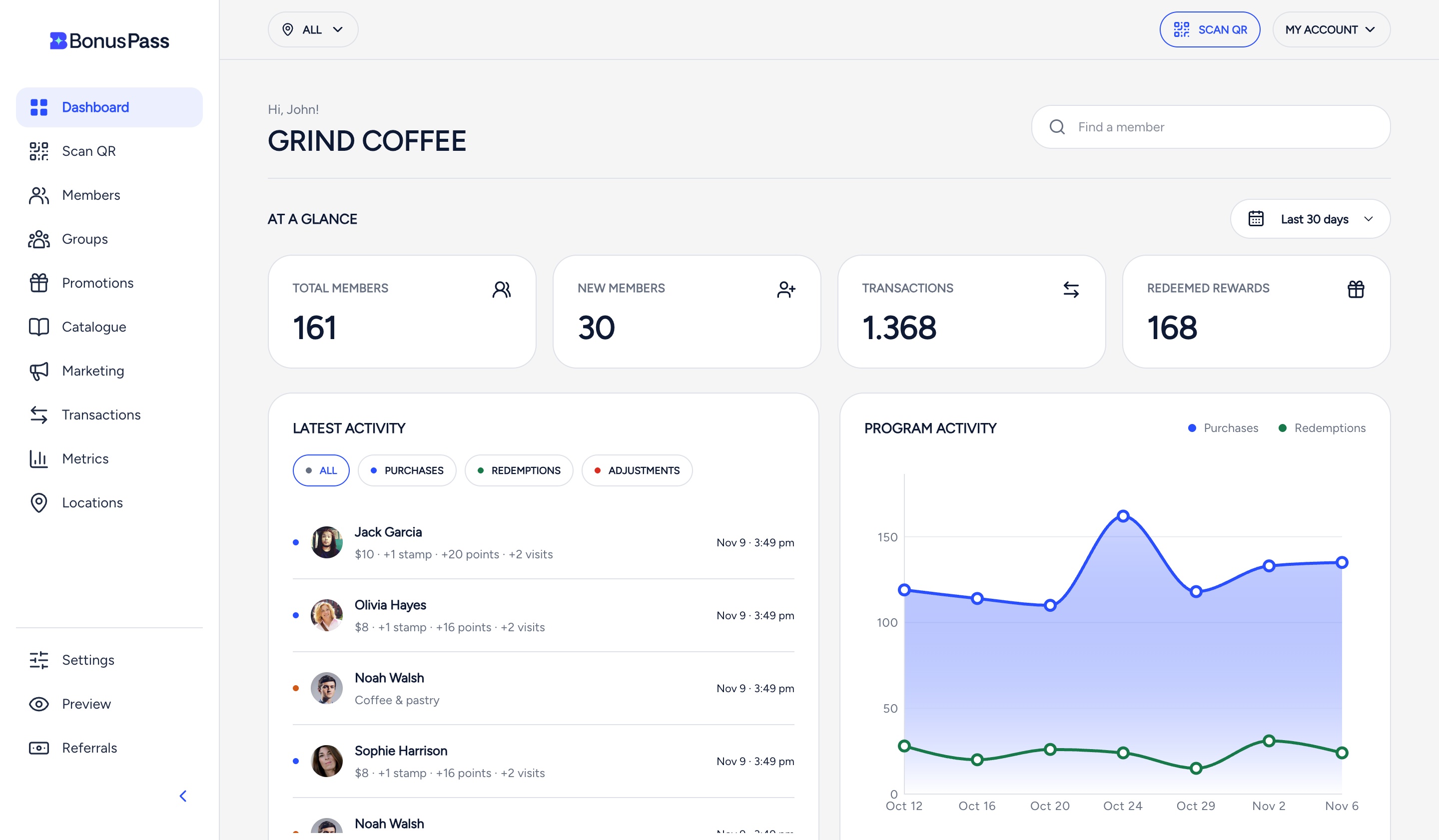
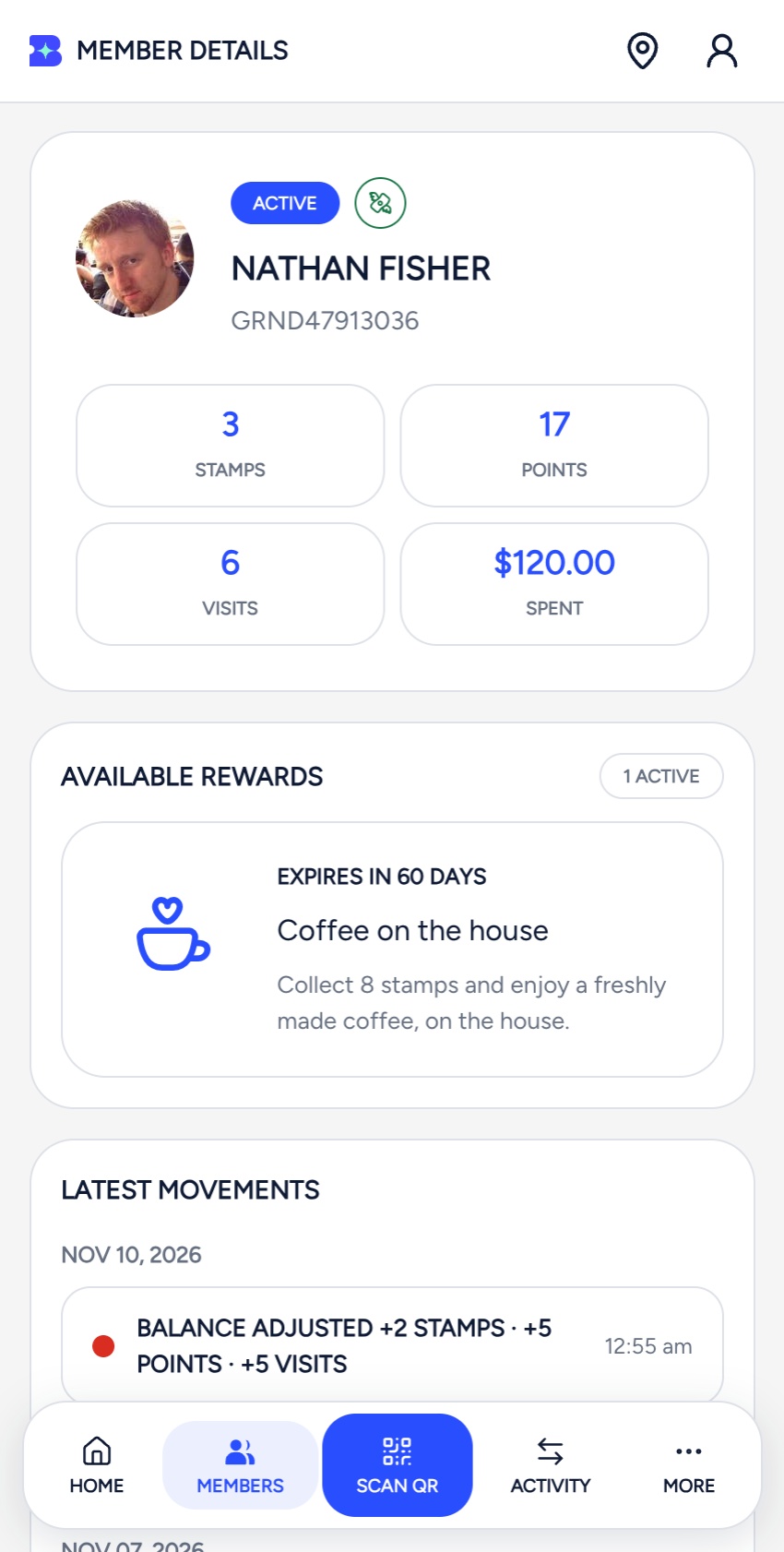
One visit. Four simple steps.
Find the customer, register their visit and check their rewards.
Your admin area keeps the activity together.
-
FIND THE CUSTOMER
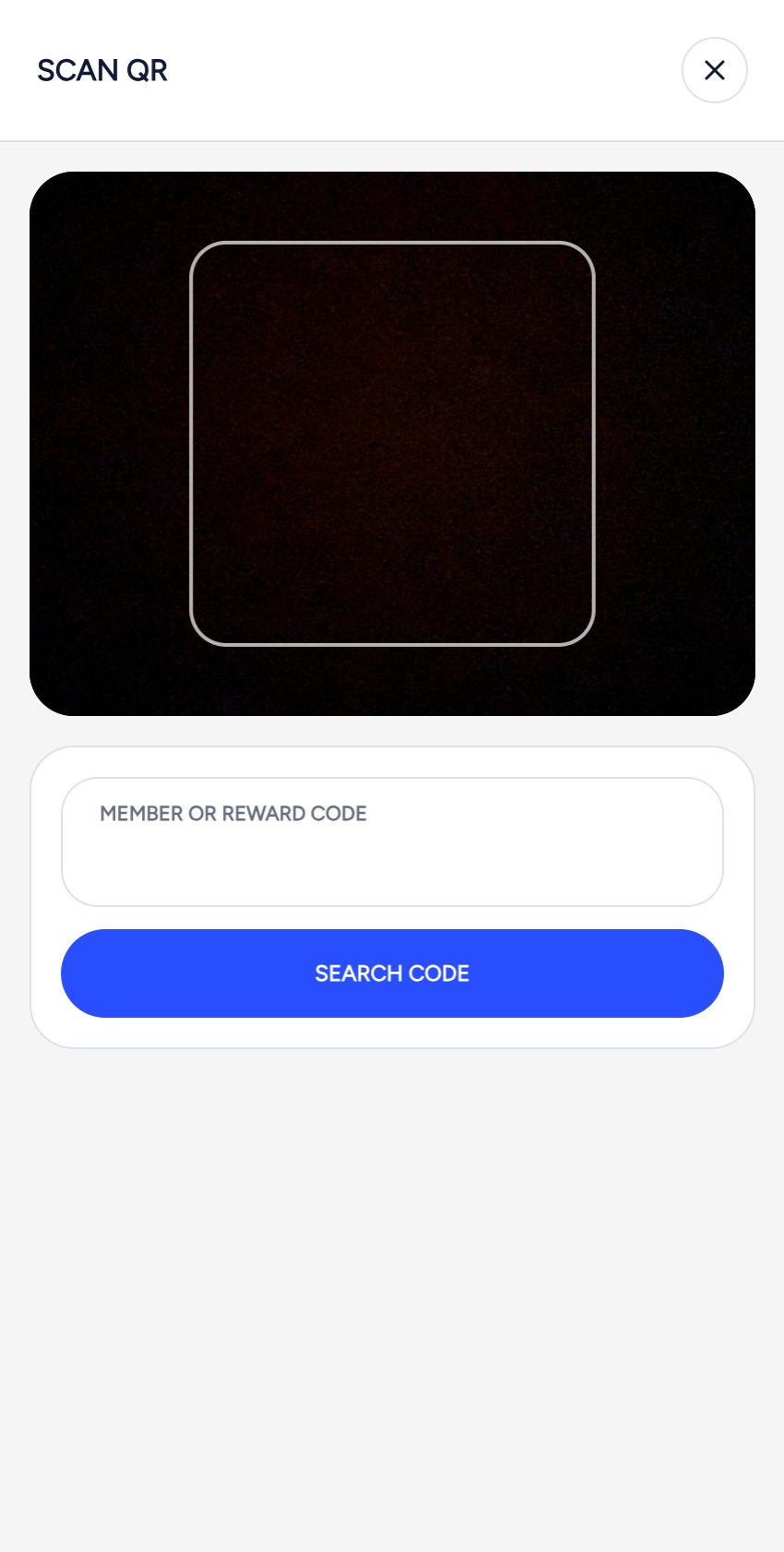
Scan their member QR
Open Scan QR and scan the customer’s pass. You can also type their member code to find them.


-
RECORD THE VISIT
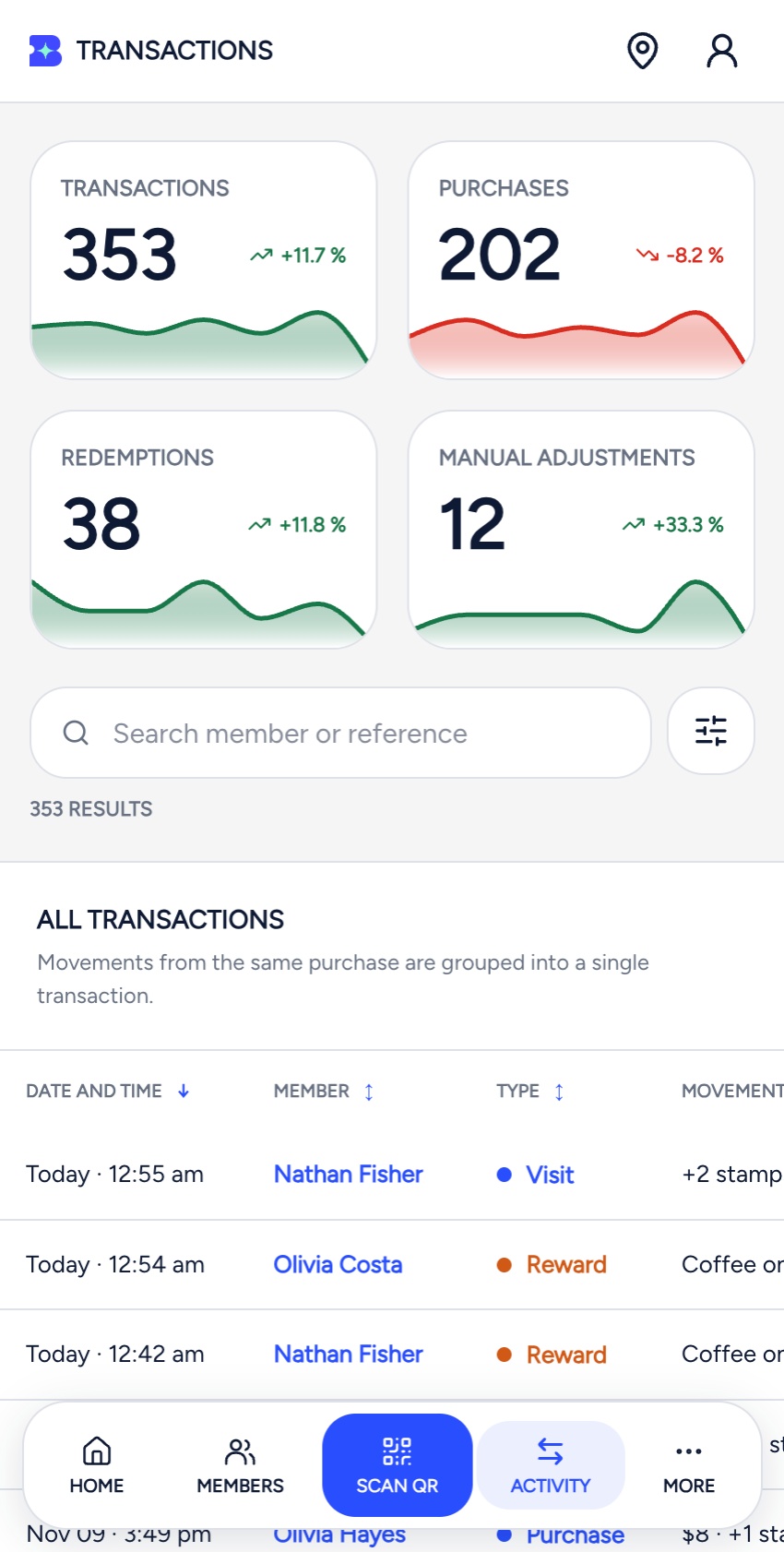
Record the visit
Enter the purchase in Add activity and confirm it once. Your rules update their progress, and Transactions keeps a record.

-
CHECK THEIR REWARDS
Check their rewards
Open the member’s profile to see balances and available rewards. When a customer uses a reward, scan its QR and confirm redemption.

-
FOLLOW THE RESULTS
Know what brings them back
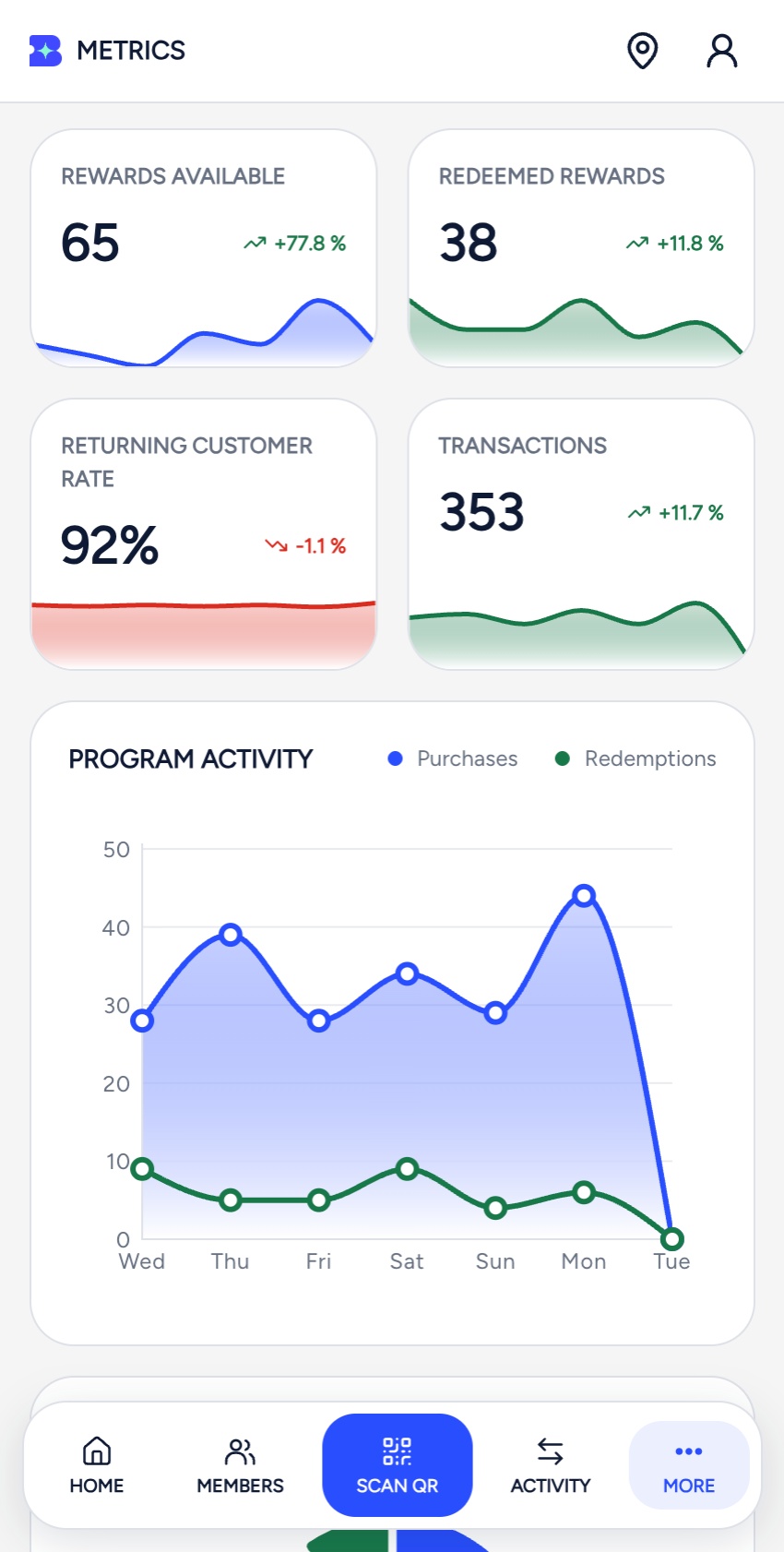
Use Metrics to follow returning customers, programme activity and redeemed rewards. See what is being used and refine your programme.

THE CUSTOMER VIEW
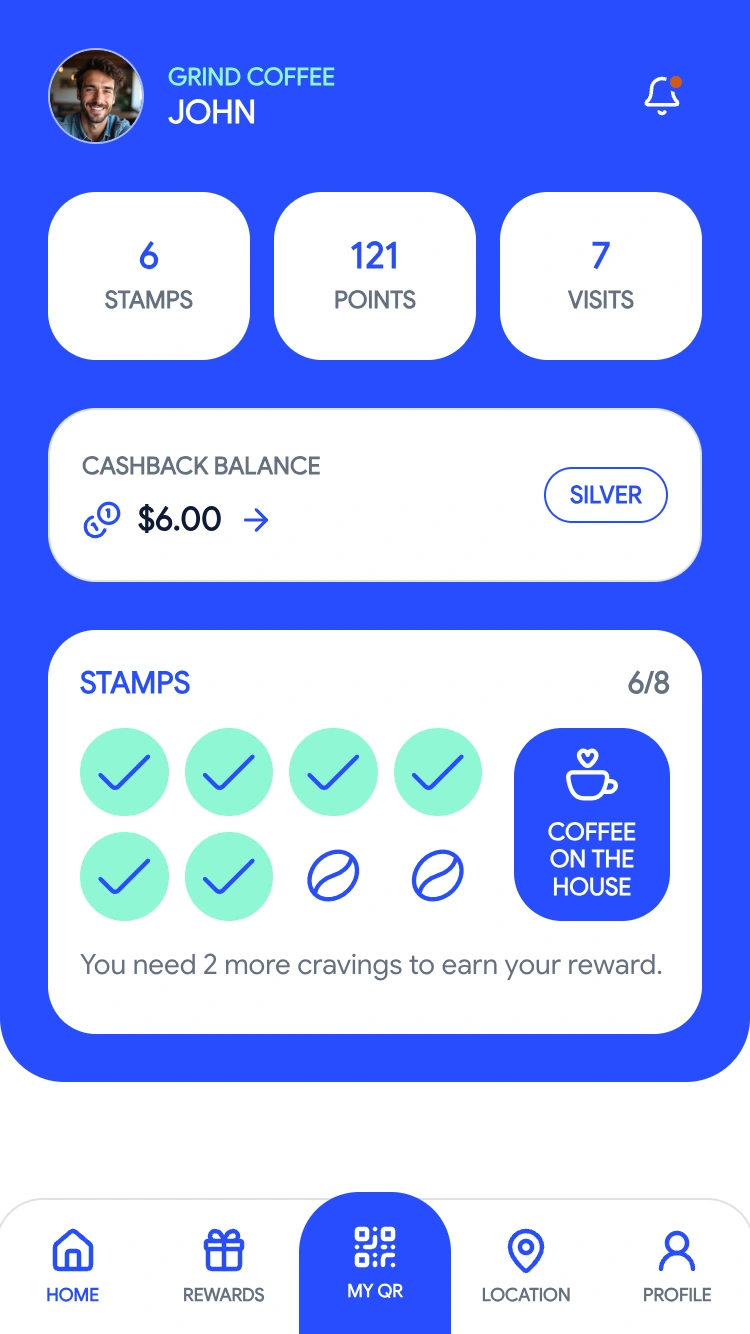
A little reward, right in their pocket.
Customers see their pass, their progress and what comes next — all from their phone.
THE BUSINESS VIEW
And you can see the bigger picture.
01 / MEMBERS
See your members
Keep the people who joined your programme in one view.
02 / REWARDS
Shape the rewards
Set up the loyalty experience that suits your business.
03 / OFFERS
Give them a reason
Create offers for the moments worth celebrating.
04 / BRAND
Make it yours
Bring your logo and colours into the customer experience.
05 / INSIGHTS
Learn what connects
Review activity and see how customers engage.
