
HELP CENTER
Analytics
Track transactions, purchases, redemptions and business performance.
Browse by topic
Browse articles
7 articles
How to Read Your Bonus Pass Dashboard Overview
Home gives you a compact view of member growth, rewards and recent activity. Use the summary cards for an overview and open the full…
How to Review Loyalty Transactions
Transactions records the activity behind your loyalty program. Search and filter it to verify purchases, rewards and corrections before making another change.
How to Use the Metrics Dashboard
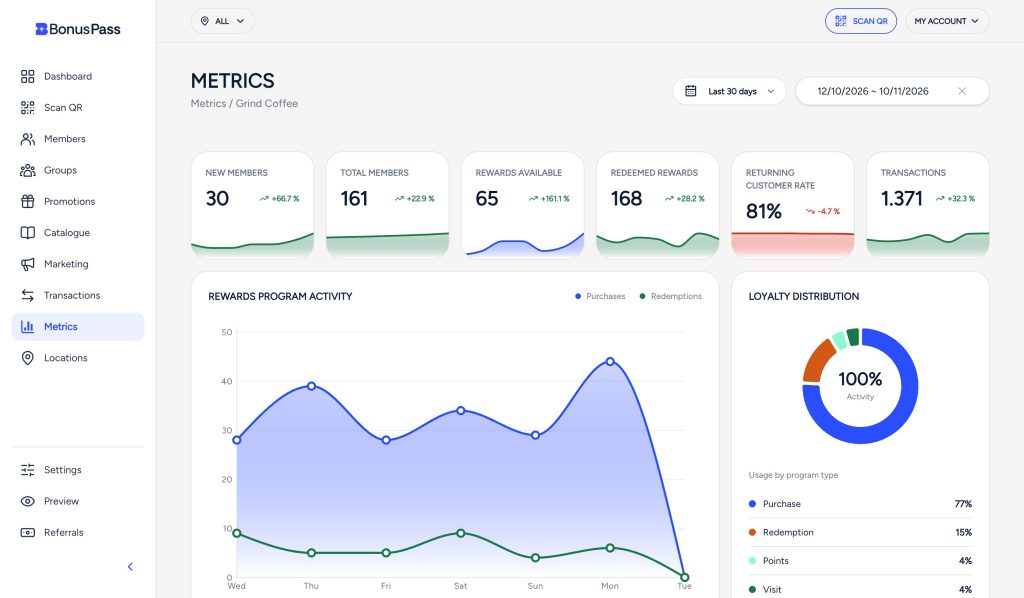
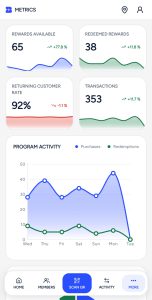
Use Metrics to compare member activity, loyalty-program usage and reward outcomes for the same dates and location. Each card measures something different.
How to Review Activity for a Specific Business Location
Use the location selector to change the working location for supported reports and operations. Use the separate Locations page to edit a branch’s details.
Purchases, Visits and Redemptions: Understanding Your Dashboard Numbers
Purchases, loyalty visits, reward redemptions and automated rewards describe different events. Their totals are not expected to be identical.
How to Understand the New Members Metric
The New members measure tracks customer registrations and lets you compare membership growth with purchases and redemptions.
How to Export Loyalty Transactions to CSV
Download a CSV of the transaction results you have selected. Export availability depends on your plan and team permissions.
Still need a hand?
Send the BonusPass team a question about your account or rewards programme.