
HELP CENTER
Settings
Manage account details, brand design, emails, notifications, wallet passes and program links.
Browse by topic
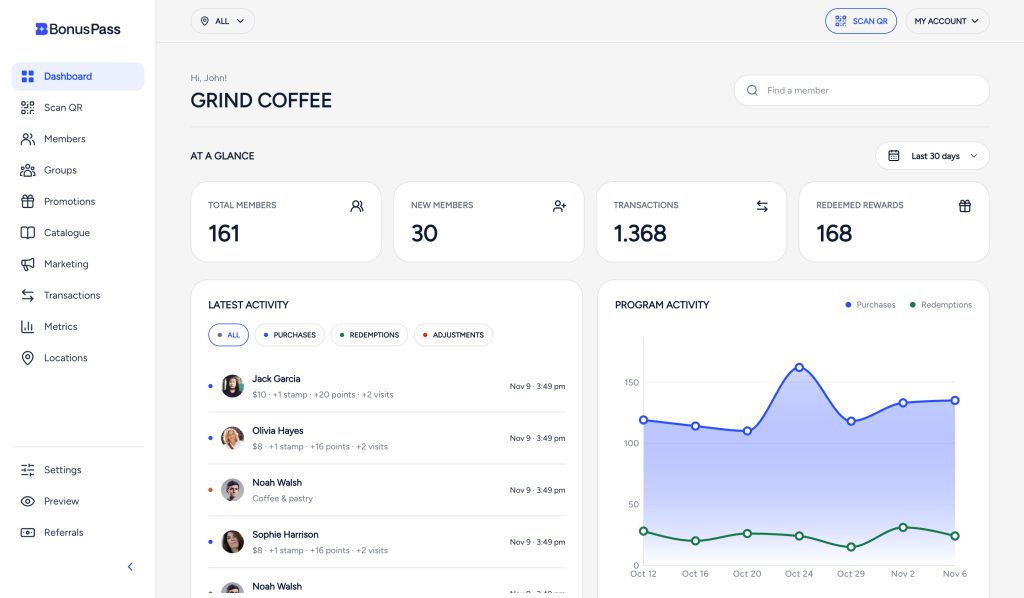
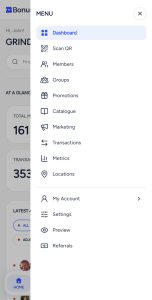
Browse articles
17 articles
How to Check Your Brand Design on Mobile
Use both the desktop phone preview and a real phone to check your customer-facing design.
How to Manage Customer Notification Settings
Manage your program’s notification options in Settings → Notifications. To send an email to members who match a group, use Send an email in…
How to Manage Customer Email Content and Branding
Keep your business name and email logo up to date, then edit the messages you send to customers. For group emails, use Send an…
How to Help Customers Add Apple Wallet and Google Wallet Passes
Wallet passes let eligible customers keep their membership in a supported wallet. Bonus Pass handles the wallet connection; your business manages the branding and…
How to Set Up Apple Wallet and Google Wallet Passes
A supported wallet pass gives customers another way to keep their membership handy. The customer web program and its QR code still work separately…
How to Update Your Wallet Pass Branding
Update the business identity and supported brand assets used by the automatic wallet pass. Member balances stay linked to the membership record.
Understanding Program, Catalogue and Subscription Currencies
Check the currency attached to each amount. Your loyalty program, saved catalogue, historical transactions and Bonus Pass subscription do not act as one automatic…
Still need a hand?
Send the BonusPass team a question about your account or rewards programme.