
HELP CENTER
Members
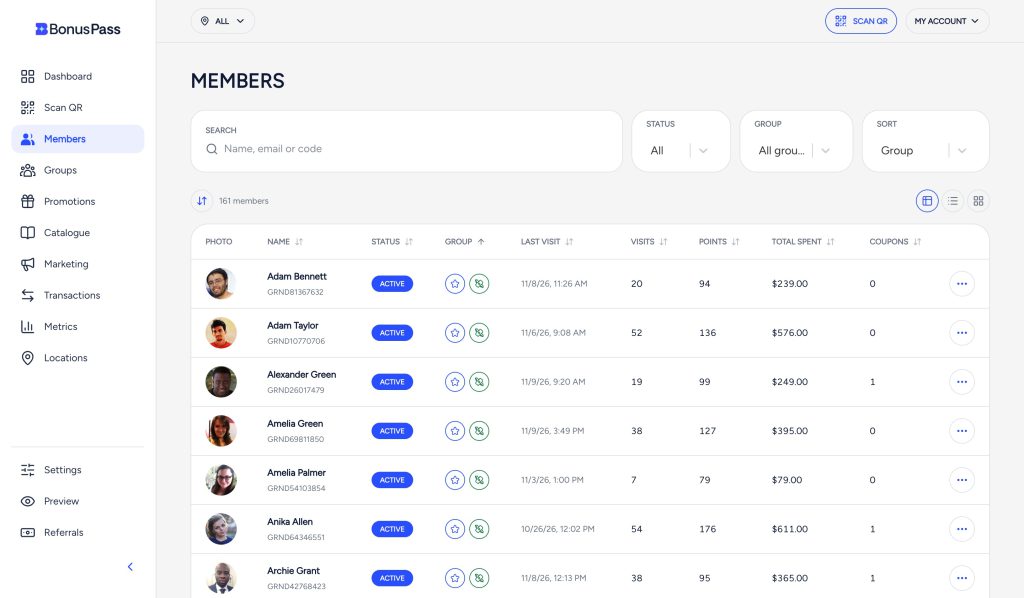
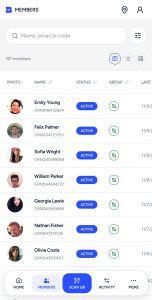
Find members, manage balances, scan QR codes and redeem rewards.
Browse by topic
Browse articles
12 articles
How to Search for a Member
Find the correct member before recording a purchase, changing a balance or giving a reward.
How to View a Member’s Loyalty Profile
The member profile shows identity, enabled loyalty balances, group badges, available rewards and recent activity in one place.
How to Scan a Member QR Code at Checkout
Scan QR opens a shared scanning drawer. Identify the customer, complete the intended activity or redemption, and check the confirmation before serving the next…
How to Find a Member Without Scanning Their QR
Use the manual field in the Scan QR drawer when the customer cannot present a readable QR or the camera is unavailable.
How to Add Stamps, Points or Visits to a Member
Record eligible customer activity through the scanner or the member’s Add activity action. Check the business’s earning rules before entering manual values.
How to Correct a Member’s Points, Stamps or Visits
Use Adjust balance to correct an existing points, stamps or visits balance. Enter the change needed, not a replacement total.
How to Check a Member’s Available Rewards
Check a member’s available rewards before promising or redeeming a reward. A points balance, group badge or referral-account credit is not the same as…
How to Give a Member a Manual Reward
Use Add reward to issue a reward to one member without recording an additional purchase.
How to Redeem a Member’s Reward
Redeem the specific reward the customer wants to use. Its own QR code or redemption code identifies that reward, rather than just the member.
How to Review a Member’s Activity History
Use a member’s history to understand what changed, when it changed and which rewards or balances were affected.
Still need a hand?
Send the BonusPass team a question about your account or rewards programme.